
procedure for mounting a robot arm on kobuki
✏️ Edit this page on GitHub#contents
Academic SCARA Robot
The Academic SCARA Robot is a horizontally articulated robotic arm sold by Vstone for learning robot control.
- https://www.vstone.co.jp/products/scara_robot/
For information about RTCs for controlling the Academic SCARA Robot, refer to:
- Robot Education Tool Using a Portable RTM Environment Installed on a USB Memory Device(No corresponding English project page available.)
This section explains how to mount the Academic SCARA Robot onto the Kobuki platform.
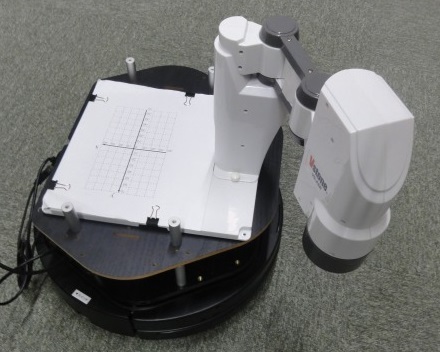
The following items are required:
| Item | Quantity |
|---|---|
| Kobuki | 1 |
| Plate | 1 |
| Support posts (5 cm) | 8 |
| Academic SCARA Robot | 1 |
| Wood screws (2 cm or longer) | 4 |
Robot Specifications
| Academic SCARA Robot Specifications | |
|---|---|
| Degrees of Freedom | 4 DOF + Gripper |
| Servo Motor | RS304MD |
| Communication Method | HID USB–UART Bridge |
Mounting the SCARA Robot Directly to the Plate
This section describes how to mount the SCARA robot directly onto the plate.
First, drill pilot holes in the plate using an awl or similar tool.
Create holes at the positions marked by the red dots below.
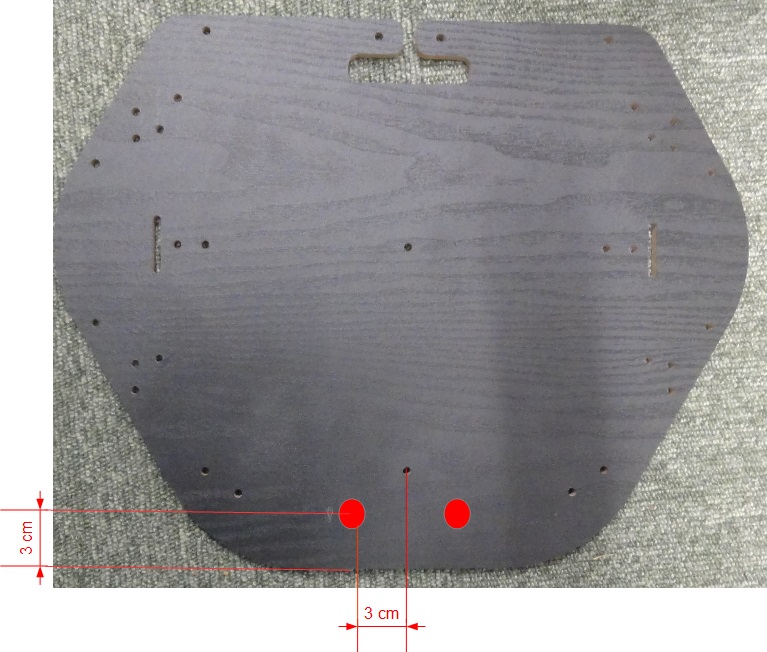
Then secure the base of the SCARA robot to the plate using wood screws.
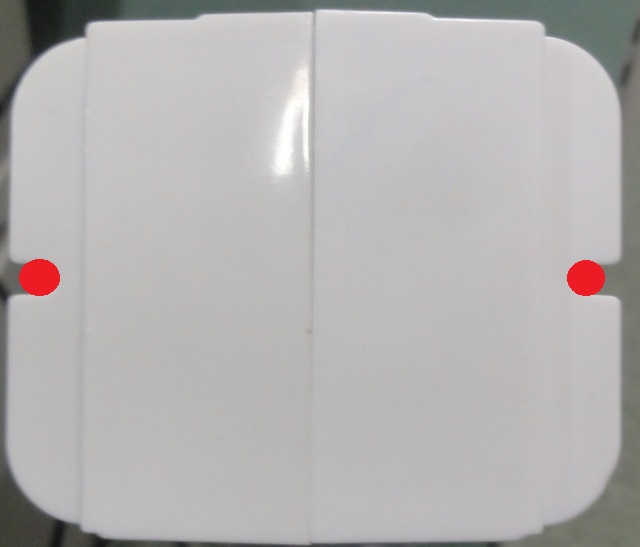
Mounting Using the Base
This section explains how to attach the SCARA robot to its base and then mount the base onto the plate.
Modifying the Base
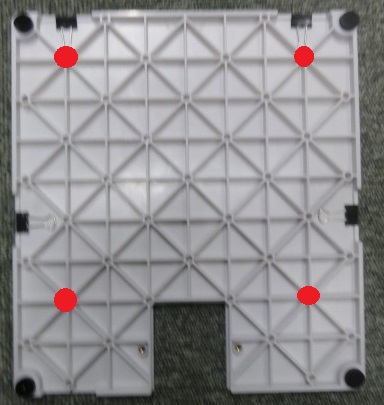
To secure the base to the Kobuki plate, drill holes in the robot base.
Drill holes at the locations indicated in red in the figure below. The hole size should match the wood screws you intend to use.
Attaching the Base
First, mount the SCARA robot onto its base.
Install it facing the opposite direction as shown in the figure, and secure it using the thumb screws.
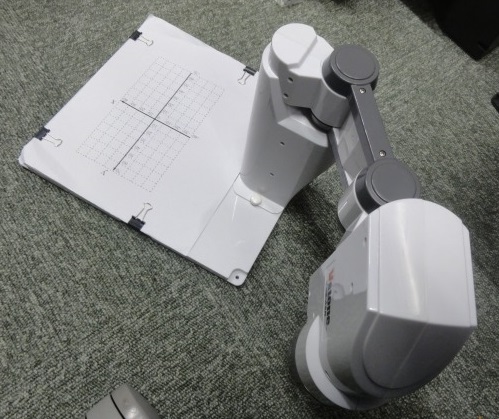
Mounting the Robot
Prepare pilot holes in the plate beforehand using an awl or drill.
Insert wood screws through the holes made in the base and fasten the base to the plate.
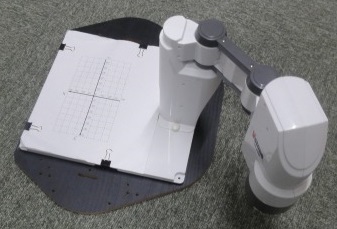
Installing the Plate
First, attach four support posts to the Kobuki platform.
The laser range sensor and Raspberry Pi should be attached to Kobuki using double-sided tape or a similar method.
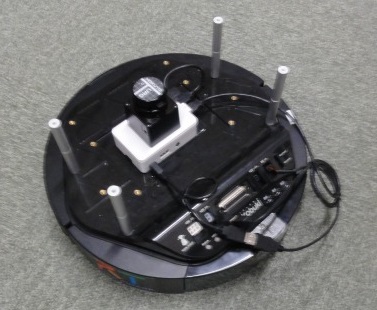
Use support posts created by connecting two 5 cm posts together.

Finally, place the plate on top and secure it with screws.
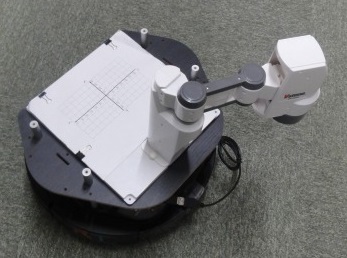
SainSmart 4-DOF Robot Arm
This section describes how to mount the 4-DOF robot arm sold by SainSmart onto Kobuki.
- http://www.sainsmart.com/diy-4-axis-servos-control-palletizing-robot-arm-model-for-arduino-uno-mega2560.html
For information on RTCs for controlling the 4-DOF robot arm, refer to:
- RT Components for Educational Robot Arm Control Using RT Middleware(No corresponding English project page available.)
The following items are required:
| Item | Quantity |
|---|---|
| Kobuki | 1 |
| Plate | 1 |
| Support posts (5 cm) | 8 |
| 4-DOF Robot Arm | 1 |
| Arduino Uno* | 1 |
| Jumper wires | 15 or more |
| Breadboard | 1 |
| Battery holder (for four AA batteries) | 1 |
| AA batteries | 4 |
| Wood screws (2 cm or longer) | 4 |
- When controlling from an Intel Edison or Raspberry Pi, a PCA9685-based servo driver may be used instead.
Robot Specifications
| 4-DOF Robot Arm Specifications | |
|---|---|
| Degrees of Freedom | 4 DOF |
| Servo Motors | MG995, SG90 9G |
Mounting the Robot
The 4-DOF robot arm already includes mounting holes, so no modification is necessary.
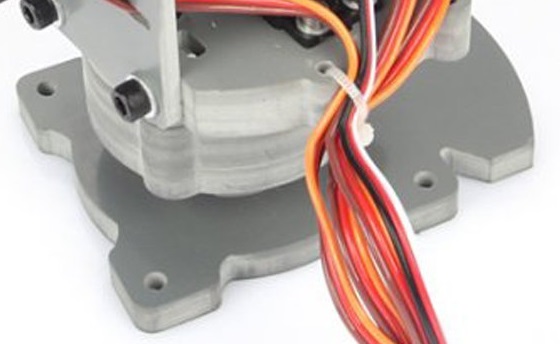
Insert wood screws through the mounting holes in the base and fasten the robot arm to the plate.
Installing the Plate
The procedure is the same as described in the section: